
A job search spreads fast. One application on a job board, one by email, one through a referral — and a week later it is hard to remember which role is at which stage, who was supposed to reply, and what to follow up on next. That is the moment a job application tracker earns its keep. A college application season spreads the same way: essays, transcripts, scholarships, deadlines, all moving at once. A job application tracker is the one place that holds all of it.
The fix is not trying harder. The fix is a tracker — one place where every application, interview, and follow-up lives, so the search itself stays organized while you do the applying. These five trackers cover the whole journey, from the resume you send to the assignments you complete once you are in.
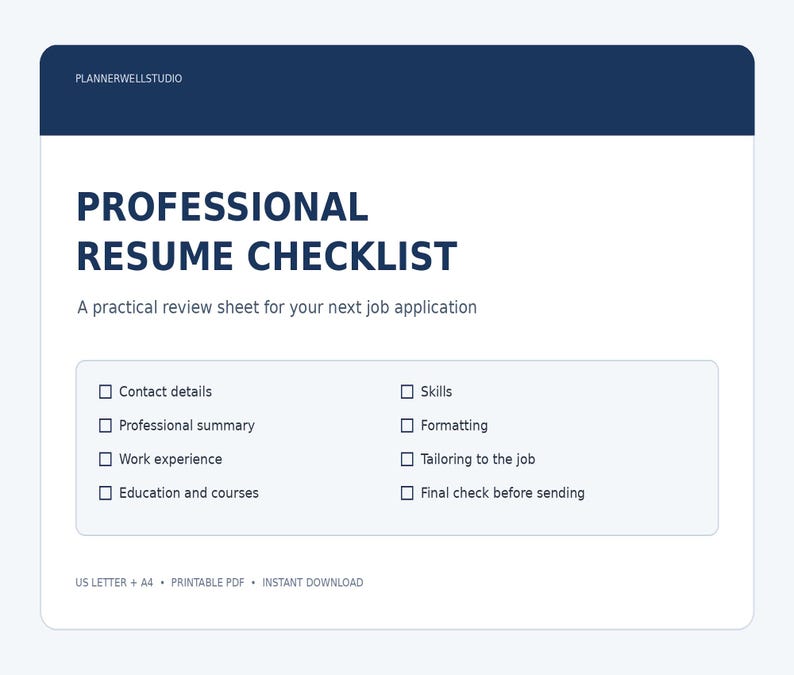
1. Resume Checklist — check every section before you send it
Every application starts with the resume, and a resume with a gap in it is an application that never gets read. The Resume Checklist is a printable checklist that walks through every section of a resume before it goes out: contact details, summary, experience, education, skills, and the small things people forget — dates that match, a consistent format, no typos in the employer's name. Run through it once per application, not once per resume, because each role needs its own version. It suits job seekers sending their first applications and anyone returning to the job market after time away. It is on Etsy, Payhip, and Gumroad.
Shop the Resume Checklist:
Shop on Etsy Shop on Payhip Get it on Gumroad
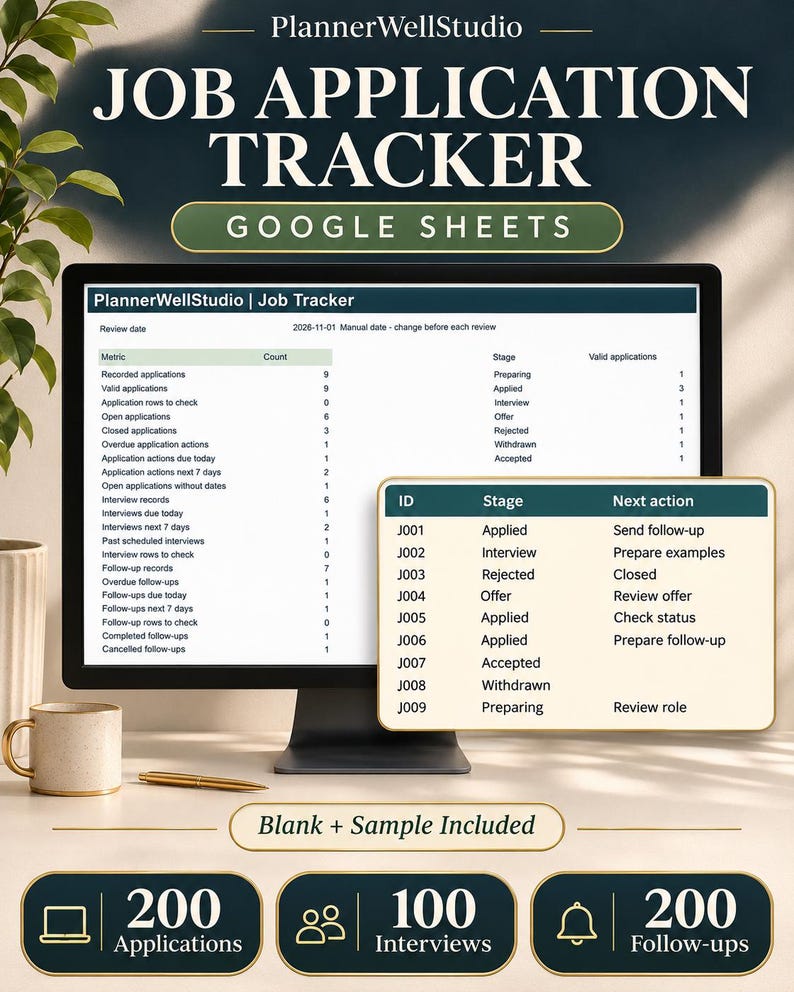
2. Job Application Tracker — one row per application
The resume gets you in the door; the tracker keeps you from losing the thread. The Job Application Tracker is a native Google Sheets template with six worksheets — Dashboard, Applications, Interviews, Follow-ups, Lists, and Start Here — holding 200 application rows, 100 interview rows, and 200 follow-up rows. Each application gets one row and one application ID that stays the same everywhere, and interviews and follow-ups link back to that ID, so nothing floats on its own. The dashboard turns the search into a short to-do list: what is due, what is overdue, and which interviews need preparing for. It comes as a blank tracker plus a fictional sample with a short setup guide, and it is also on Payhip and Gumroad. It suits anyone running a real job search with more than a handful of applications.
Shop the Job Application Tracker:
Shop on Etsy Shop on Payhip Get it on Gumroad
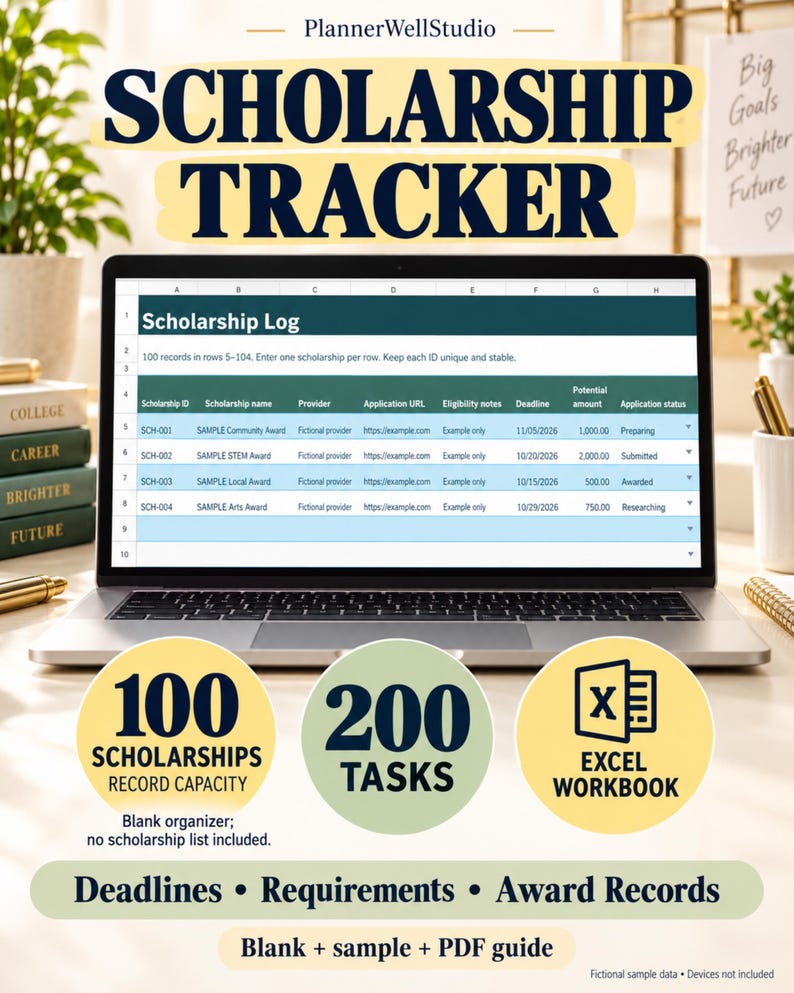
3. Scholarship Tracker — never miss a deadline that pays
Scholarships are free money with a deadline, and the deadline is the whole game. The Scholarship Tracker is a spreadsheet for keeping every scholarship in one place: the name, the deadline, the requirements, and the status, so the ones worth applying for do not get lost under the ones already closed. Work through it the same way as the job tracker — one row per scholarship, one weekly review — and the applications go out on time instead of the night before the deadline. The Etsy listing is the spreadsheet version for Excel, and the printable version is on Payhip and Gumroad. It suits high school students, college students, and parents helping them through application season.
Shop the Scholarship Tracker:
Shop on Etsy Shop on Payhip Get it on Gumroad
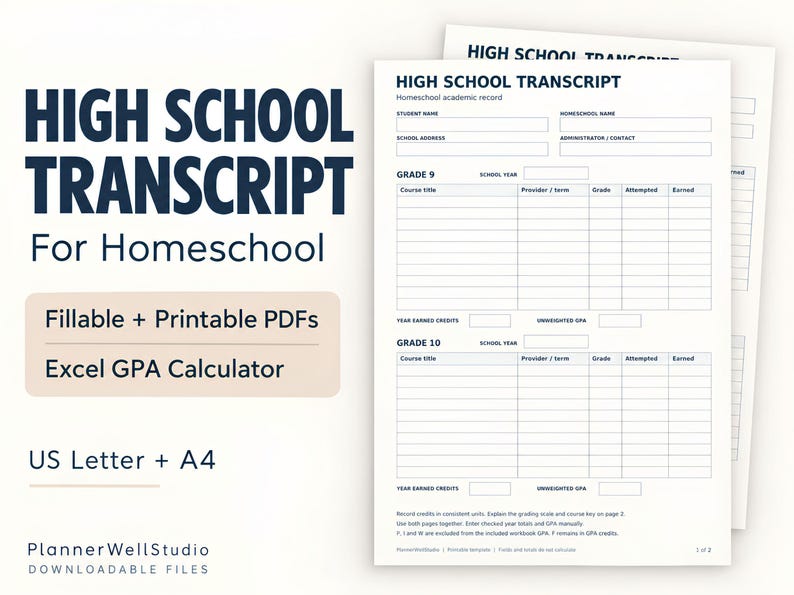
4. High School Transcript Template — the record colleges ask for
Every college application asks for a transcript, and homeschool families have to make their own. The High School Transcript Template for Homeschool is a ready template for that record: courses, grades, credits, and the formal layout a college admissions office expects. Fill it in as the years go by instead of reconstructing four years of schooling in the month applications are due, and keep a copy with the rest of the application records. It suits homeschool families preparing college applications and any parent who wants the transcript ready before it is asked for.
Shop the High School Transcript Template:
Shop on Etsy
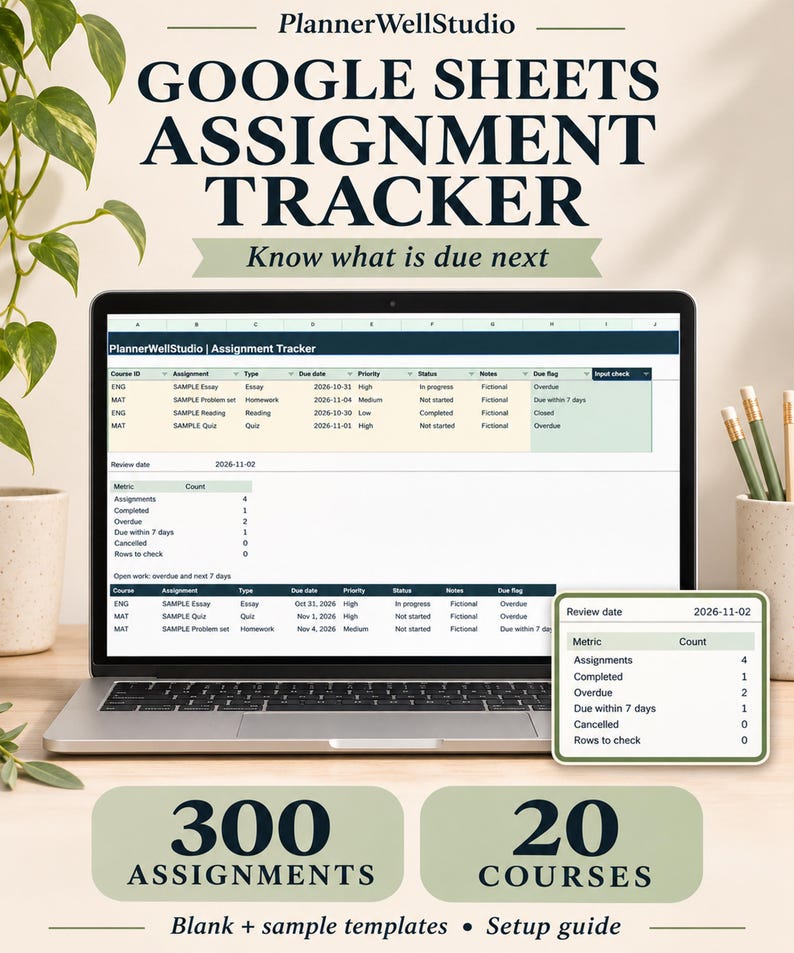
5. Assignment Tracker — once you are in, keep the work straight
Getting accepted is the start, not the end. The Assignment Tracker is a Google Sheets tracker for the coursework that follows: every assignment, its course, its due date, and its status, in one place. The same weekly-review habit that runs a job search runs a semester — open the tracker, see what is due, do the next thing. It suits college students juggling several courses and school students who want one system for homework instead of five notebooks.
Shop the Assignment Tracker:
Shop on Etsy Shop on Payhip Get it on Gumroad
One habit runs all five
The five trackers share one habit: a weekly review. Open the tracker, set the date, work through what it flags, and close it knowing nothing is slipping. The resume checklist runs before each application, the job tracker runs through the search, the scholarship tracker runs through application season, the transcript runs across four years, and the assignment tracker runs through the semester. Different seasons, same habit — and a search or a semester that stays organized while you do the work.



0 Comments